mcro
A macro keyboard to help input quick instructions
00

Combining spares from an electronics parts bin and offcuts of polycarbonate to build a macro keyboard
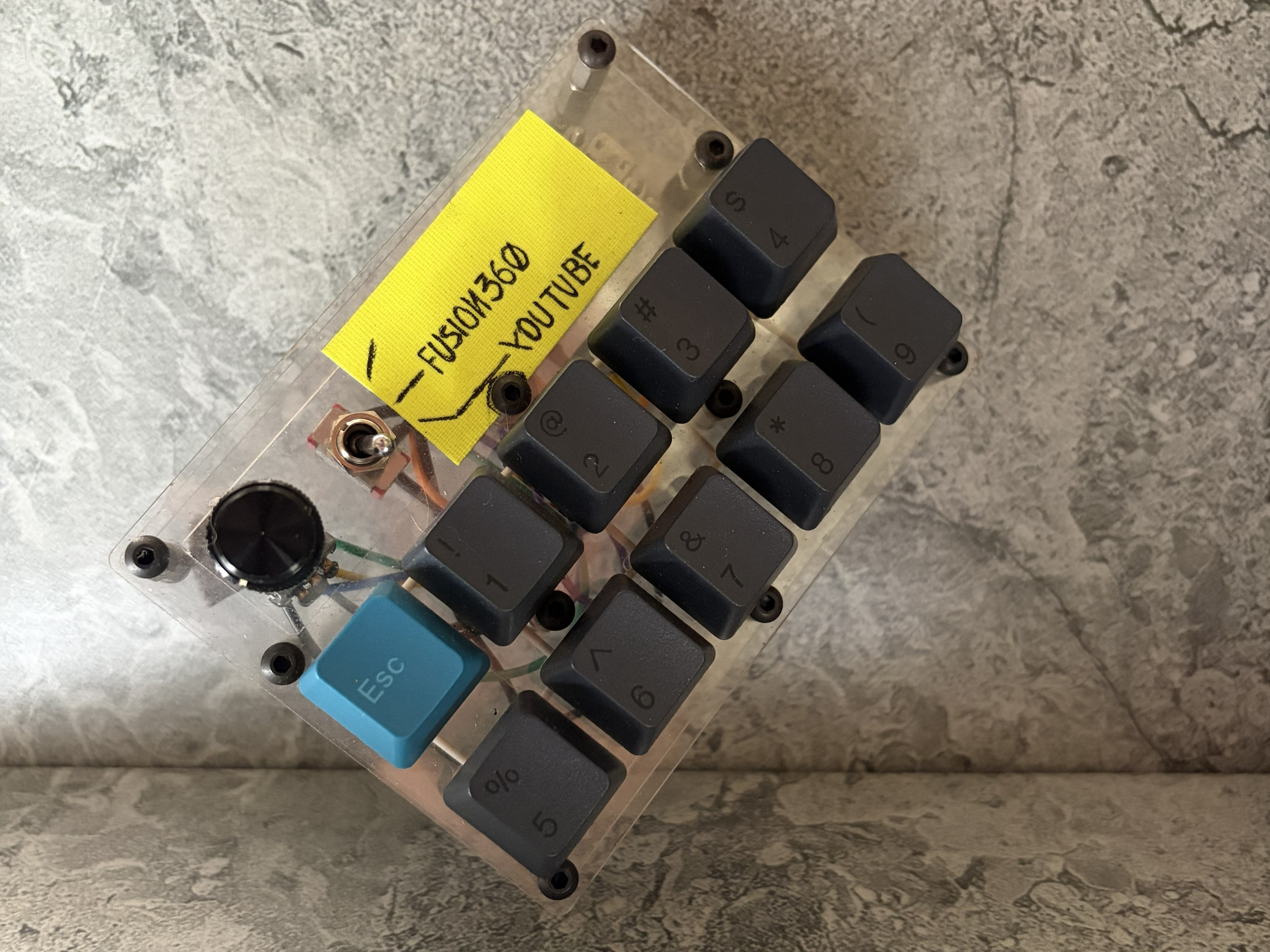
Working in an aerospace company meant that we had a lot of spare electronics, which meant that there were many chances for me to play around and learn basic electronics, also supported by the fact that I have been a maker and tinkerer throughout my life.
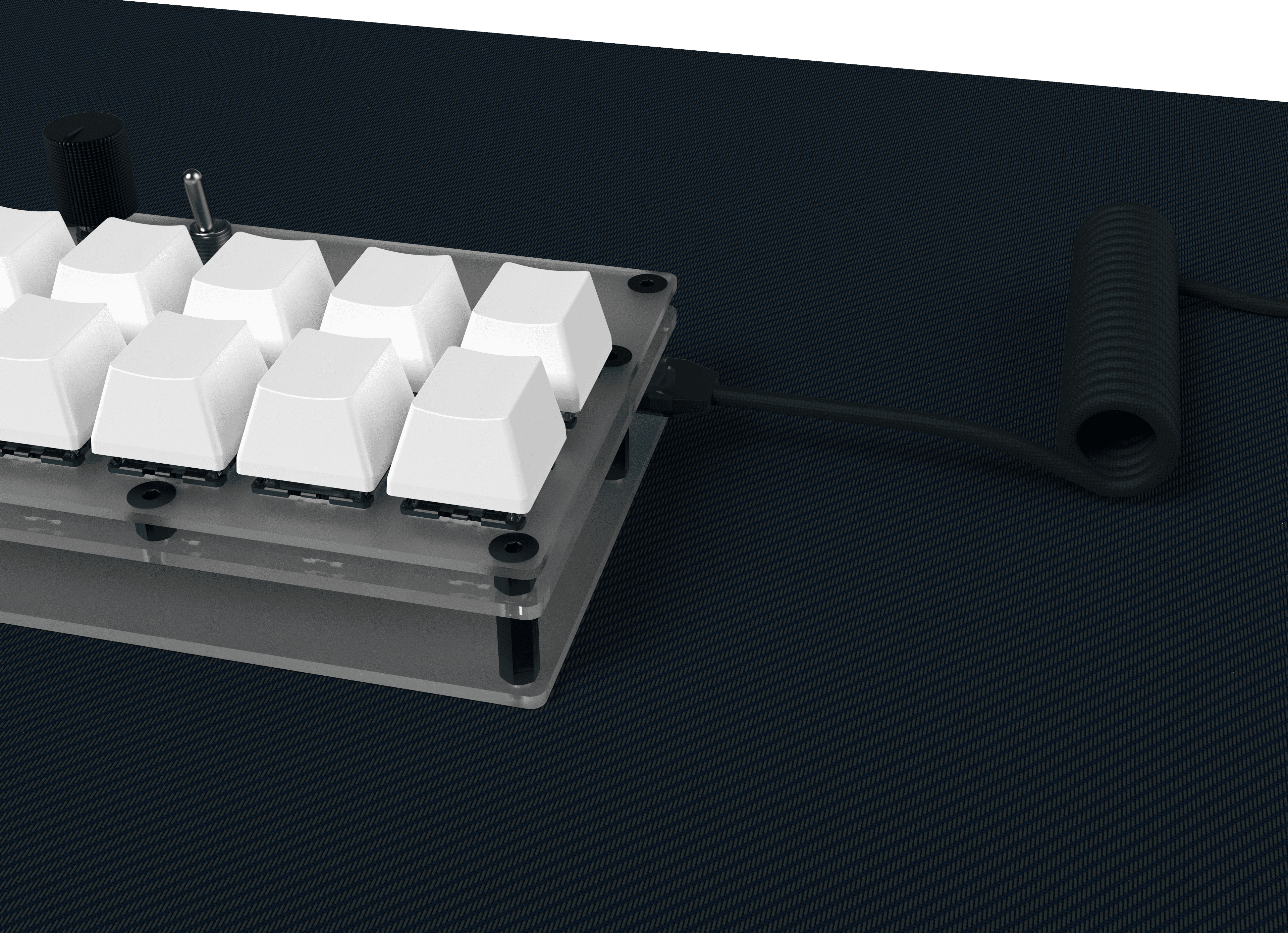
With a few extra key switches and keycaps from my own mechanical keyboard, a spare rotary encoder and an extra three position switch, I had all my input controls ready to be wired up to the brain. An easy controller for applications like this turned out to be the Raspberry Pi Pico. The inputs are all hand wired into the Pico, coded to run a custom script on CircuitPython. The three position switch creates for three layers of inputs, each with 10 key inputs and 3 inputs from the rotary encoder with a press button.
With the way I do design, running a macro keyboard in tandem with my main keyboard makes it a lot quicker for me to run my instructions for software, especially multi-key inputs. A macro board also adds a level of convenience when travelling, allowing me to travel without a full sized external keyboard.
year
2026
timeframe
3 months
tools
Fusion360, CircuitPython, Keyshot
category
Personal Project
01
02

03

04


